
How to Adjust Standing Desk Height for Ergonomic Use
Dickson LamTo adjust a standing desk to the right height, set the desk surface at your elbow height so your elbows bend at about 90 degrees and your wrists stay straight, then raise the monitor until the top of the screen sits at or slightly below eye level. Use the same rule for sitting and standing, and save both heights as presets so switching takes one touch.

Getting the height wrong is a common cause of neck and shoulder pain and wrist discomfort. A desk at the correct height keeps your posture neutral and reduces strain on your neck, shoulders and wrists through the workday, whether you use an adjustable standing desk or a fixed desk.
Adjusting your desk is not a one-time job. Your ideal height changes with your shoes, your chair and how you feel that day. Regularly switching between sitting and standing at a sit-stand desk adds to the comfort a correct setup gives you.
What Is the Correct Standing Desk Height?
The correct standing desk height is your elbow height: the desk surface should sit level with your elbows when your arms hang relaxed and bend to about 90 degrees. For most adults this falls between about 38 and 46 inches.
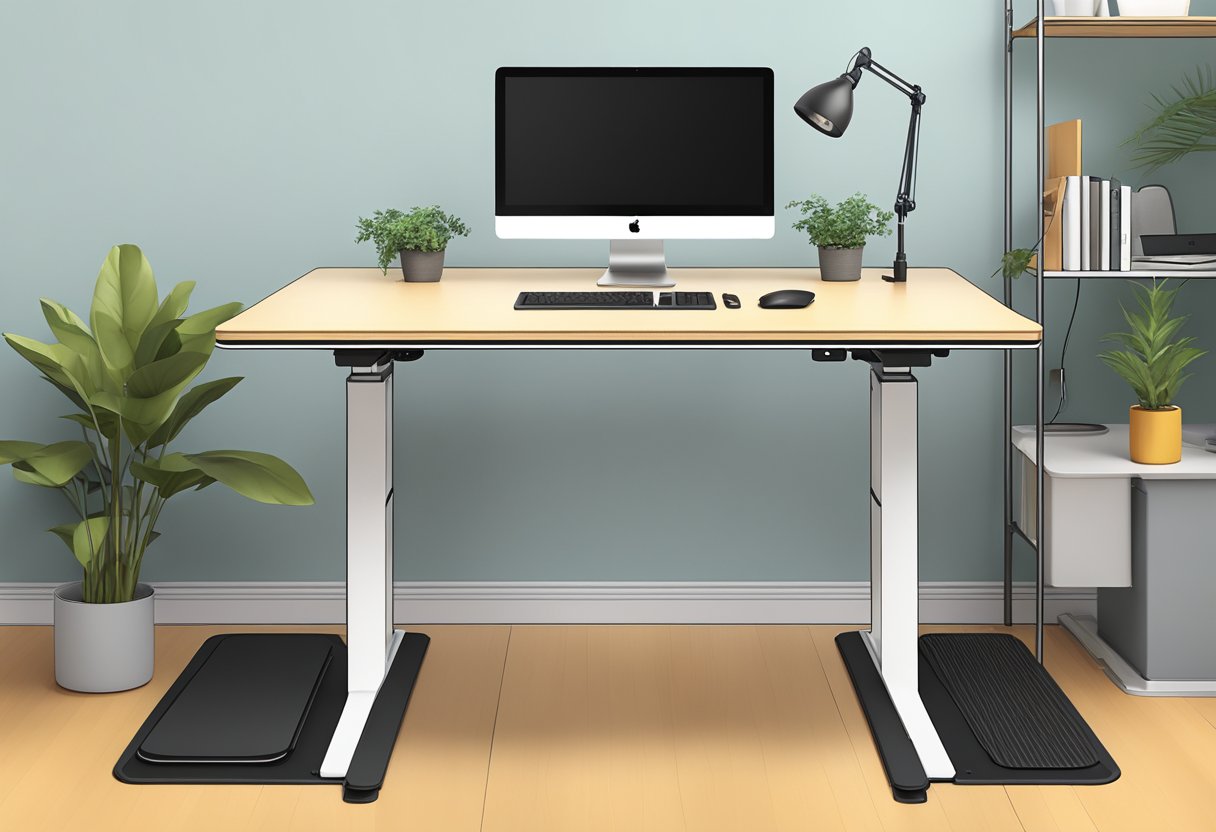
A desk set to your elbow height lets your forearms rest parallel to the floor while you type. That keeps your shoulders relaxed and your wrists straight, which lowers the risk of the aches and strains that build up over long workdays.
How to Measure Your Elbow Height
To find the right height for your standing desk:
-
Stand up straight in the shoes you usually wear, arms relaxed at your sides
-
Bend your elbows to a 90-degree angle
-
Measure the distance from the floor to the underside of your forearms (this is your elbow height)
That measurement is where the desk surface should be. Many people land between 38 and 42 inches for standing, and taller people often need 44 to 46 inches. For sitting, use the same elbow rule after setting your chair so your feet rest flat on the floor with your knees at about 90 degrees.
| Setting | Sitting | Standing |
| Desk surface | Elbow height with the chair adjusted first | Elbow height in your usual shoes |
| Elbows and wrists | About 90 degrees, wrists straight | About 90 degrees, wrists straight |
| Monitor | Top of screen at or slightly below eye level, about an arm's length away | Raise it with the desk or adjust it separately to stay at eye level |
| Feet and legs | Feet flat, knees at about 90 degrees, footrest if feet do not reach | Weight even on both feet, anti-fatigue mat for long sessions |
| Typical surface height | About 28 to 30 inches for an adult of average height | About 38 to 46 inches, depending on your height |
effydesk's Nimble, Terra, Wildwood and Grove desks adjust from 23" to 50", which covers both sitting and standing heights for most adults. If you want a starting number before you measure, try the ergonomic desk height calculator.
How Should You Stand and Sit at Your Desk?
Stand and sit with your head balanced over your spine, shoulders relaxed and slightly back, core lightly engaged and wrists straight. Good posture at the right desk height keeps strain off your neck, shoulders and lower back.
Maintaining proper posture matters with any desk. Whether you sit in an ergonomic chair or stand, keep your head in line with your spine to prevent neck pain.
Key posture points to remember:
-
Head aligned with spine, looking straight ahead
-
Shoulders pulled back slightly and relaxed
-
Core engaged
-
Hips tucked under
-
Wrists straight, not bent up or down
Check your posture a few times a day to catch slouching or leaning. Good posture reduces fatigue whether you are sitting or standing.
Where Should Your Monitor, Keyboard and Mouse Go?
Place your keyboard and mouse at elbow height directly in front of you, and set your monitor about an arm's length away, roughly 20 to 30 inches, with the top of the screen at or slightly below eye level.
Beyond desk height, the layout of your workspace affects comfort and efficiency. Leave adequate space between your desk and wall so you can move freely when you switch positions.
Keep the keyboard and mouse at the same height so your wrists stay straight. A monitor mount makes it easy to fine-tune screen height and distance, and the Canadian Centre for Occupational Health and Safety has a helpful guide to monitor positioning.
For laptop users, a laptop stand paired with a separate keyboard and mouse raises the screen while keeping your hands at a comfortable typing height.
How Do You Adjust a Standing Desk Step by Step?
Adjust a standing desk by setting your chair first, then raising or lowering the desk until your forearms are parallel to the floor, repeating the check while standing, and saving both heights as memory presets.
Setting Your Sitting Height
-
Sit in your desk chair with feet flat on the floor
-
Adjust chair height so knees form a 90-degree angle
-
Set desk height to allow elbows to form a 90-degree angle when typing
-
Ensure wrists remain in a neutral position, not bent up or down
Setting Your Standing Height
-
Stand with weight evenly distributed on both feet
-
Set desk height to match your elbow height (arms bent at 90 degrees)
-
Check that your shoulders remain relaxed, not hunched or dropped
Write down your ideal heights for both positions. That makes switching quick, especially on a desk without memory settings.
Saving Heights With Memory Presets
Most electric standing desks have a control panel on the front edge of the desk. effydesk electric desks use a keypad with 4 memory presets.
To save your positions:
-
Use the up and down arrows to adjust to your ideal sitting height
-
Press the memory button (often labelled "M" or "Set")
-
Press a numbered button to save this position
-
Repeat the process for your standing height using a different number
Presets allow quick transitions between positions with one touch, which makes it far more likely you will move through the day.
Keeping the Height Right Over Time
Recheck your desk height every so often. New shoes, a different chair or changes in how your body feels can all shift your ideal setting.
-
Use an anti-fatigue mat when standing to reduce pressure on your feet and legs
-
Keep your monitor at eye level (adjust it separately from the desk if needed)
-
Use a desk pad as a soft surface for your wrists and mouse
-
Keep the items you use most within easy reach
For laptop users, an external keyboard and mouse let you raise the laptop screen while your hands stay at a comfortable typing height.
How Often Should You Switch Between Sitting and Standing?
Switch between sitting and standing every 30 to 60 minutes once you are used to it. Start with standing sessions of 15 to 30 minutes and build up gradually, because standing for hours at a time brings its own aches.
Many people find that alternating between an ergonomic chair and standing at regular intervals reduces muscle tension more than staying in either position.
Tips for getting used to both positions:
-
Begin with 15-30 minute standing sessions
-
Use an anti-fatigue mat for comfort while standing
-
Wear supportive shoes when standing
-
Take regular breaks to stretch and move
-
Consider a footrest for added comfort when sitting
Listen to your body. Some discomfort is normal at first, but pain that does not go away points to a setup problem or a need to build up more slowly.
What Accessories Complete an Ergonomic Desk Setup?
The accessories that complete an ergonomic desk setup are an adjustable chair with lumbar support, a monitor arm, a footrest for shorter users, an anti-fatigue mat and good task lighting. Together they keep your body in a neutral position.
-
Ergonomic chair with adjustable height, seat depth, and lumbar support
-
Monitor arms for precise screen positioning
-
Keyboard tray to maintain neutral wrist position
-
Footrest for shorter individuals or when desk height cannot be lowered sufficiently
-
Document holder to position reference materials at eye level
-
Task lighting to reduce eye strain
Pair the setup with healthy habits:
-
Take regular breaks using the 20-20-20 rule: every 20 minutes, look at something 20 feet away for 20 seconds
-
Stand up and move at least once every hour
-
Perform simple stretches throughout the day to release muscle tension
-
Keep frequently used items within arm's reach to minimize excessive reaching
The best position is your next position. Movement and variety prevent the problems that come from staying in any one position too long, even a correct one.
At home, choose a height adjustable desk that works for both sitting and standing, position it to avoid glare on your screen, and leave room for your chair to move.
Frequently Asked Questions
How can you calculate the ideal height for your standing desk?
Stand in your working position with good posture, bend your elbows to 90 degrees and measure from the floor to the underside of your forearms. That number is your ideal desk height. Set the desk there, work for a day, and fine-tune by half an inch at a time if anything feels off.
What methods can determine the correct desk height for someone who is 6'2"?
A rough rule is to multiply your height in inches by 0.6, which gives about 44.4 inches for someone who is 6'2" (74 inches). Measuring elbow height is more accurate and usually lands between 44 and 46 inches for a taller person.
What is the recommended standing desk height for an individual who is 5'11"?
For someone who is 5'11", a standing desk height of about 41 to 43 inches usually works, with a sitting height of about 28 to 30 inches. That range keeps the arms at 90 degrees and supports a neutral wrist position, which lowers the risk of repetitive strain.
Is there a chart available for identifying optimal desk heights?
Yes. Many manufacturers publish height charts based on user height, and they make a good starting point. Body proportions vary, so check the result against your own elbow height. The effydesk ergonomic calculators suggest sitting and standing heights from your height.
How can you set and save a preferred height on an adjustable standing desk?
Raise or lower the desk to the height you want, press the memory button (often labelled "M"), then press a numbered button to save it. Repeat for your second position. effydesk electric desks store up to 4 heights; check your manual for the exact button sequence on other desks.
What are the guidelines for maintaining correct posture while using a standing desk?
Keep your head, neck and spine in line, with your eyes level with the top third of the screen. Keep elbows near 90 degrees, wrists straight, shoulders relaxed and weight spread evenly on both feet. Move or change position regularly, because staying still too long is a leading cause of office aches.
Putting It All Together
Adjusting your standing desk correctly is a small investment in your health and productivity. Set the desk at elbow height, keep the screen near eye level and hold a neutral posture, and you lower the risk of the aches that come with long workdays.
Ergonomics is personal, so what works for someone else may not suit your body. Take time to find settings that feel comfortable, save them as presets, and recheck them as your needs change.
Combine a well-adjusted desk with the right accessories and regular movement, and you have a workspace that supports both your comfort today and your health over the long term.